

What competitors are publishing
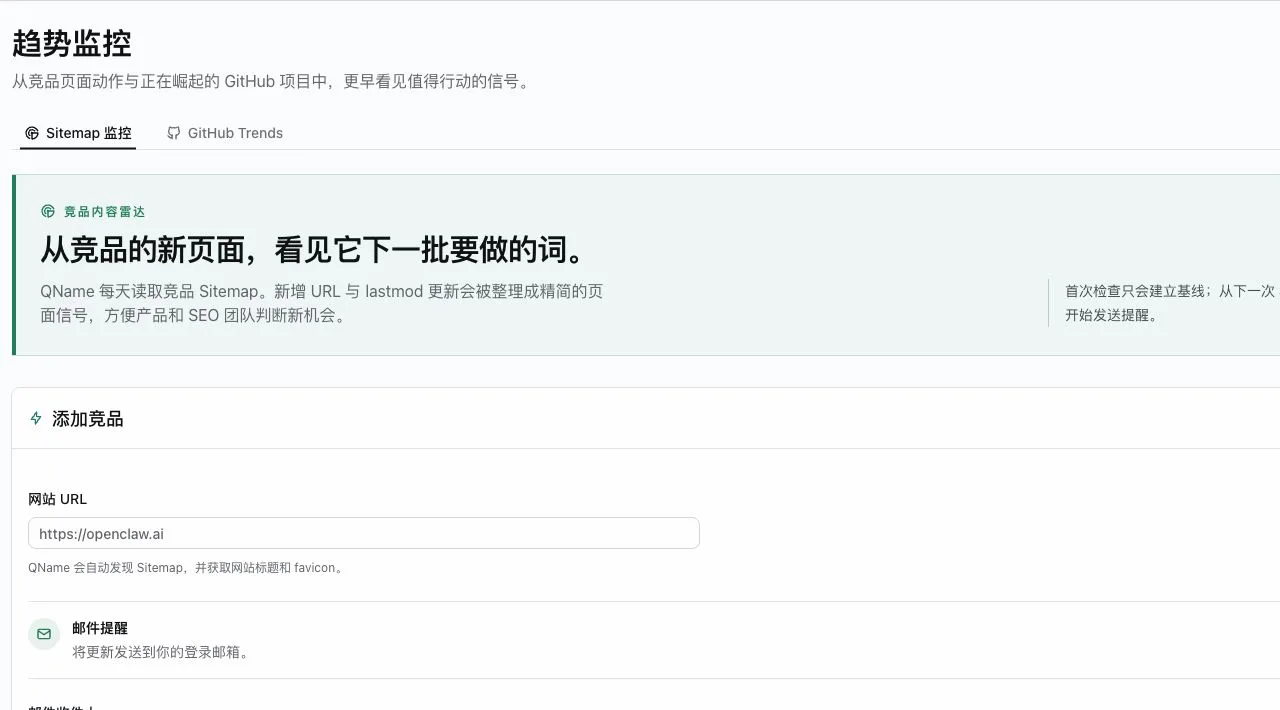
New URLs and changed last-mod dates reveal emerging keywords, comparison pages, use cases, and product bets before they are repeated in a newsletter.
API key requests containing only single-domain and/or batch WHOIS access are now approved and issued automatically when the limit is no more than 5 domains per request and exactly 100 requests per day. Traffic lookup, keyword research, and other quota combinations still require manual review.
QName AI brings competitor sitemap changes and GitHub Trending movement into one trend monitoring workspace, so your team can evaluate an early signal while it is still useful—not after it becomes another tab, thread, or weekly recap.
Most teams already have too much information. Trend monitoring matters because it gives changing pages and project rankings a shared context, a repeatable baseline, and a clear place to revisit what changed.
Competitor pages, GitHub lists, chat threads, and saved links are scattered, so no one can compare movement consistently.
When a keyword or project is already being discussed everywhere, the early research window is usually smaller.
Raw updates add work. Teams need a durable signal trail they can review before choosing a topic, feature, or domain direction.
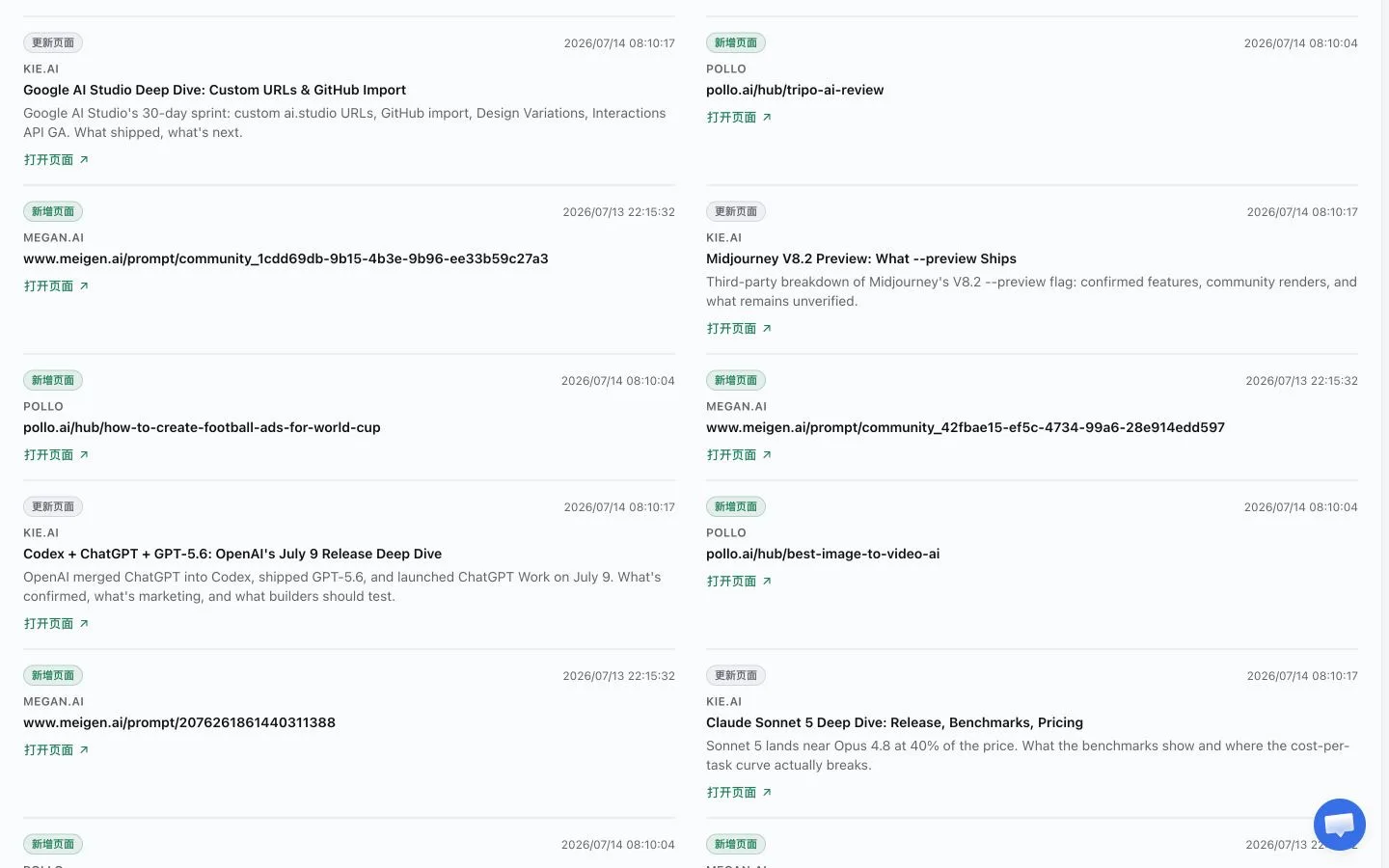
QName AI trend monitoring focuses on observable movement: new competitor pages, meaningful sitemap updates, and the projects rising or leaving GitHub Trending. It does not guess which trend matters; it preserves the evidence your team needs to decide.
New URLs and changed last-mod dates reveal emerging keywords, comparison pages, use cases, and product bets before they are repeated in a newsletter.
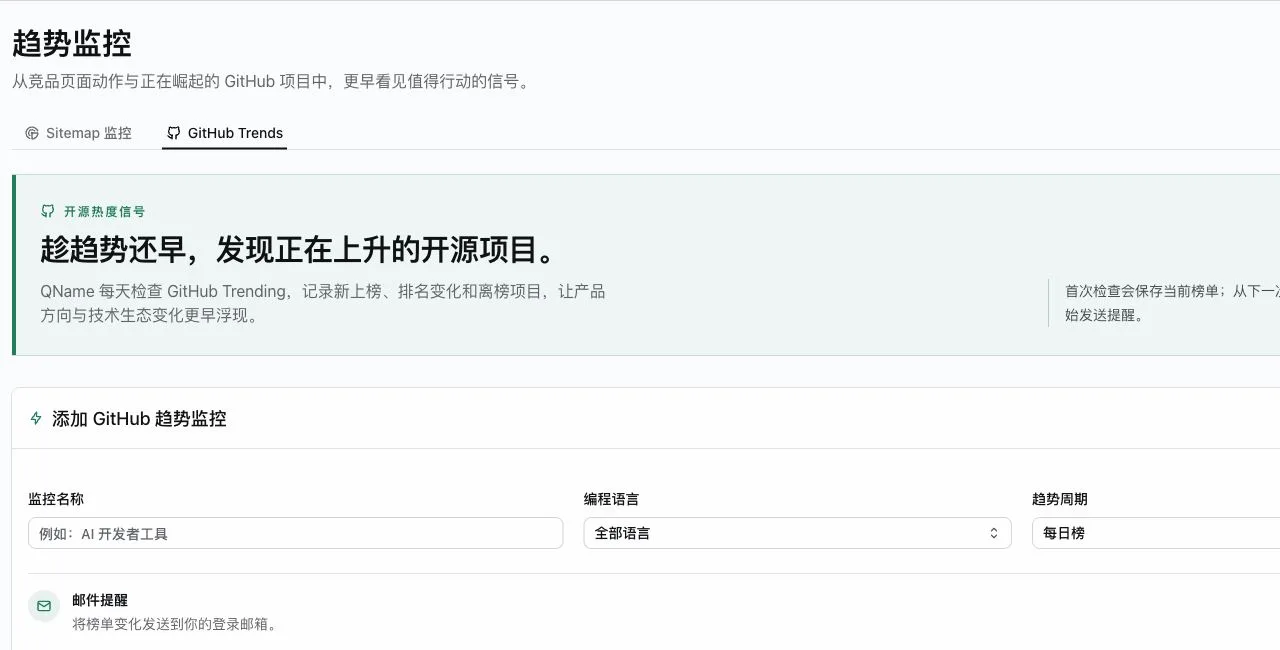
Follow GitHub Trending entrants, ranking movement, and departures to see where developer attention is accumulating or cooling down.
Deliver relevant page signals by email, Discord, or Feishu, so trend monitoring fits the channel where a researcher, founder, or product lead can act.
The workflow is intentionally simple: choose a source, record the current state, then review the next meaningful movement. This lets trend monitoring reduce routine checking instead of creating more notifications to manage.
Add a competitor website and QName AI discovers its sitemap, or set the language and period that make GitHub Trending relevant to your research question.
The first check stores the current sitemap or ranking state. It establishes context without treating every existing page as a new alert.
When new URLs, refreshed pages, or ranking changes arrive, review the signal with the original source rather than a vague summary.
A useful trend is rarely one isolated event. A competitor may publish a new integration page, an alternative page, or a cluster of help content before the positioning appears in a launch announcement. Trend monitoring gives that movement a timestamp and a place in your research process.
The same is true in open source. A project entering GitHub Trending can be a prompt to investigate, not a command to copy it. Ranking movement becomes more valuable when a team can compare it with its audience, roadmap, and existing product evidence.
That distinction protects attention. Instead of refreshing a collection of websites, people can reserve their judgment for changes that have evidence attached. The signal becomes an input to a conversation about what to build, publish, name, or test next.
QName AI keeps trend monitoring grounded in sources you can revisit. It is designed for early research, not for predicting the future with false certainty. The result is a calmer way to notice movement while retaining the context needed to act responsibly.
For a product team, five minutes spent on an observed change is more useful than another hour of refreshes. When the link, timing, and current hypothesis stay together, people can tell the difference between routine publishing and a signal that deserves interviews, keyword research, competitor review, or an experiment.
The record also makes small research collaborations easier. A content lead can notice a new problem statement, a product lead can compare it with the roadmap, and a technical teammate can inspect a project’s actual momentum. Everyone starts from the same source instead of a chain of retold impressions.
Source evidence also helps a team avoid treating correlation as causation. A new competitor page can point to a strategic move, but it can also be copy testing or a technical migration. Watching the surrounding pages and later movement keeps the discussion concrete and makes prioritization easier to revisit.
The best trend monitoring workflow is not a report for its own sake. It gives different people the same concrete evidence at the moment their work needs it.
Use competitor sitemap movement to notice new problem language, comparison themes, and implementation questions before they harden into everyone’s content calendar.
Use GitHub Trending movement as one research input when a technical pattern is gaining attention, then compare it with your user interviews and product constraints.
Route trend monitoring alerts to the channel your team already uses, so a founder, product lead, and SEO owner can review the same source without forwarding screenshots.
QName AI can monitor competitor sitemaps for new URLs and changed last-mod dates, and it can track GitHub Trending entrants, rank movement, and projects leaving the list.
No. The first check creates a baseline. Trend monitoring starts producing alerts when a later check observes a new or changed signal.
You can use the signed-in email address or add email recipients. The workspace also supports optional Discord and Feishu delivery through webhooks.
It provides source-backed movement, not a promise. Use the signal with customer research, product strategy, and your own judgment before committing to a decision.
It is useful for founders, product teams, SEO practitioners, and researchers who need a lighter way to keep an eye on competitor publishing and technical momentum.
Create an account, open the Trend Monitors workspace, add a competitor URL or configure GitHub Trending, and let the first check set a baseline.
Start trend monitoring with sources your team already cares about, then turn the next real change into a better research conversation.
Create a trend monitor