

Domain Monitoring
Track a domain you want with QName AI. Set a budget and monitoring deadline, understand check intervals, and review availability without automatic charges.
You find a domain that would suit your next project, but it is already registered. You check again a few days later. Nothing has changed. Then work gets busy, and checking the domain slips off your list.
QName AI adds domain monitoring to your watchlist. Find a name, watch it, and choose whether to set up monitoring. Your budget, deadline, and task status stay together, so you can return to the watchlist whenever you want to check progress.
The current release supports monitoring and setup. If a domain becomes available, the task pauses for review. It does not place an order or charge you. This also applies to the feature labeled “Auto-registration” in the interface.
Start with a domain you want
Open WHOIS Lookup and search for the domain. Review its registration status, expiration date, and lifecycle information, then click the watch button. After adding it to your watchlist, you will be asked whether to enable auto-registration.
Still comparing names? Choose Watch only. You can open the setup panel later from Domain Watches. There is no need to settle on a budget as soon as you discover a promising name.
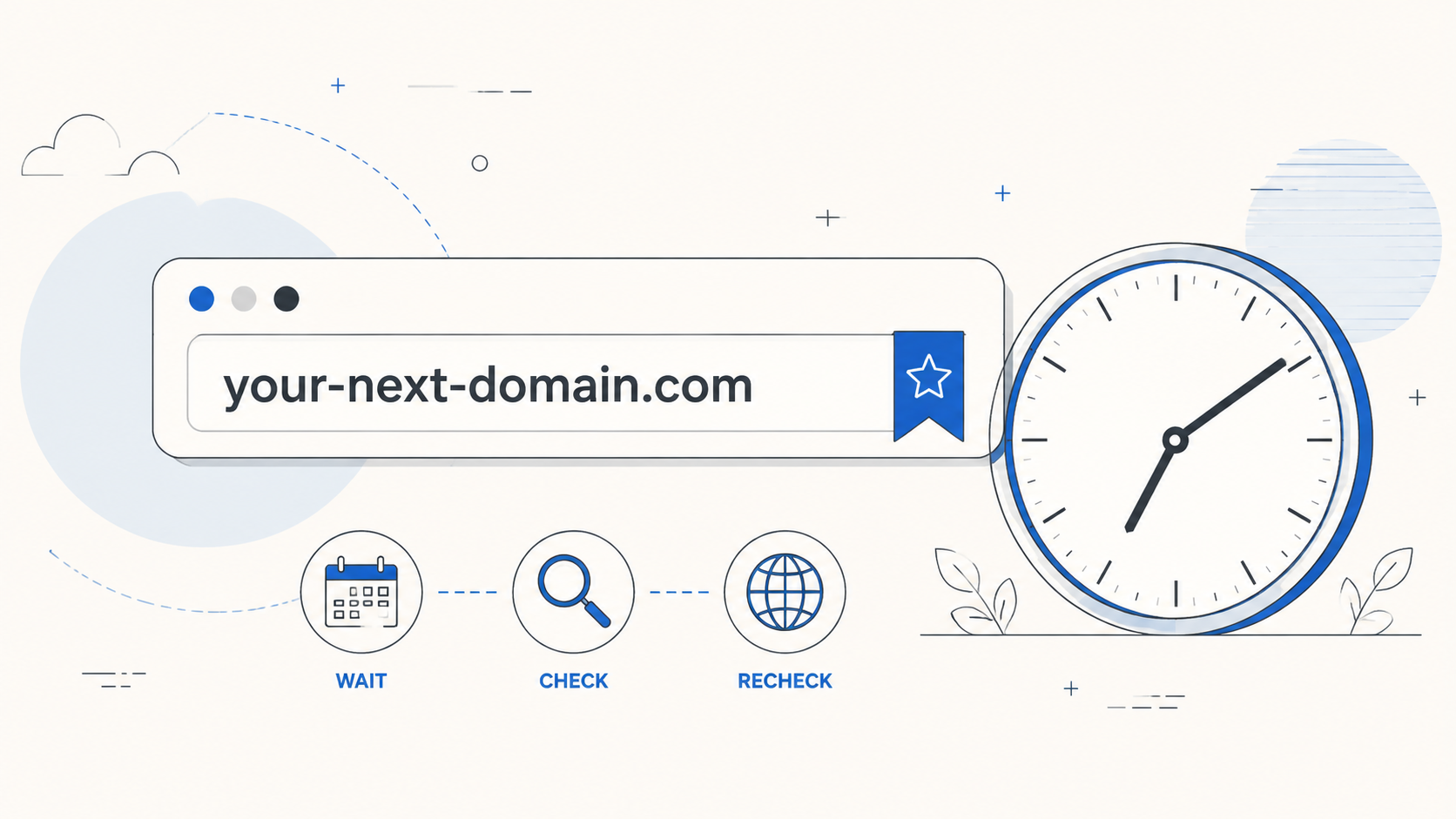
Illustration: save a candidate and keep checking its availability. These checkpoints do not represent a completed purchase.
Set a budget and an end date
In the setup panel, enter a maximum total in US dollars and a monitoring deadline. For example, you might record a US$50 budget and monitor the domain until September 30, 2026. These are your preferences, not a registrar quote or a prediction of when the domain will become available.
The panel also shows the purchase settings: a one-year registration, auto-renewal off, and no premium domains. Read the explanation, select the authorization checkbox, and click Save and start monitoring. In this release, that action saves your settings without submitting a purchase order.
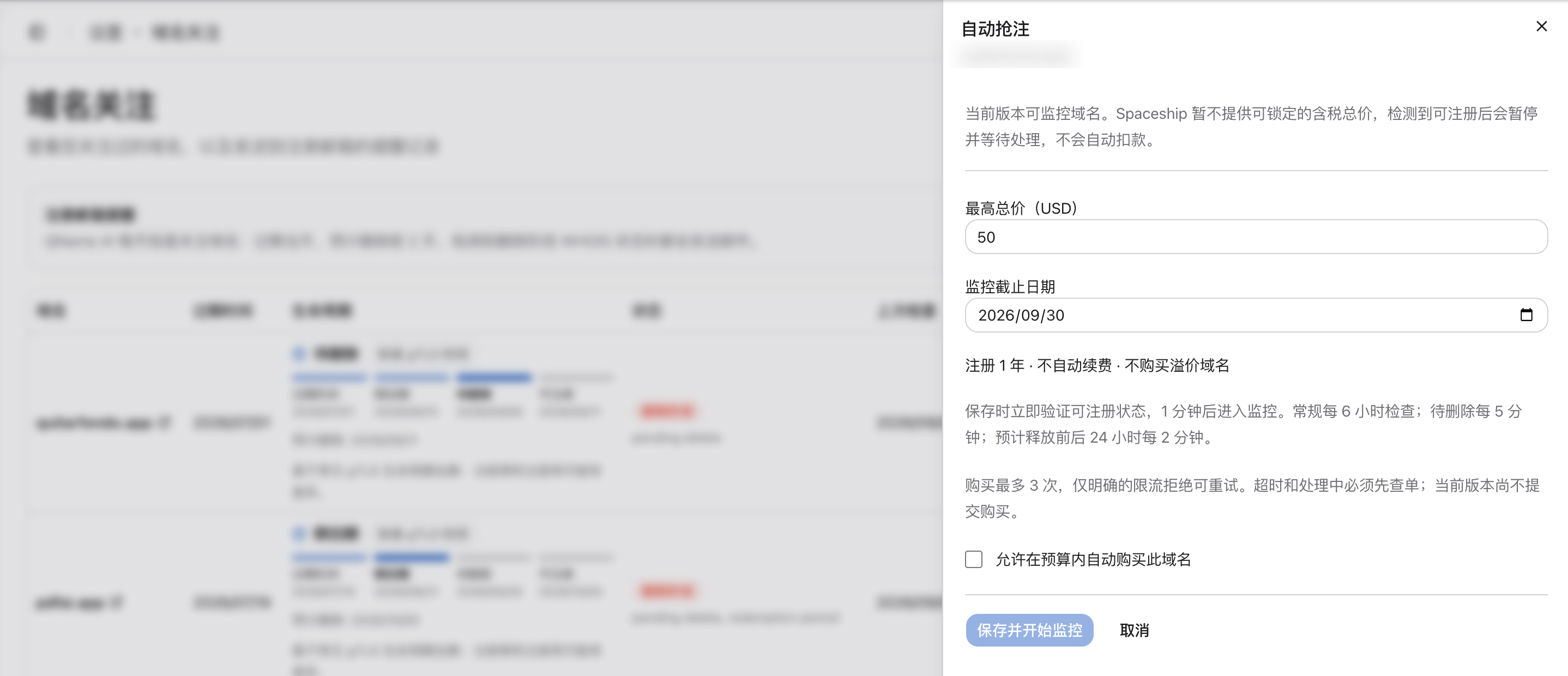
Actual interface, shown in Chinese with domain details blurred. The two fields correspond to “Maximum total (USD)” and “Monitor until” in English. The save button remains disabled until the authorization checkbox is selected.
Connect Spaceship before setup
Before setting up monitoring, connect Spaceship in Domain Purchases settings. If you have already saved your credentials, you can proceed directly to the monitoring options.
Availability and premium-status lookups use QName AI's shared site credentials. Your personal Spaceship credentials are kept for the purchase workflow. You do not need to add lookup permissions to your personal API key for monitoring. Connecting an account does not authorize purchases at any price.
How often does QName AI check?
Saving triggers an initial availability lookup. Under normal conditions, the next check is scheduled for about one minute later. If the lookup service is temporarily unavailable or rate-limited, your settings are saved and a retry is scheduled.
| Domain status | Scheduled check interval |
|---|---|
| Routine monitoring | Every six hours |
| Pending delete, without a simultaneous redemption-period status | Every five minutes |
| That same pending-delete state, within 24 hours before or after estimated release | Every two minutes |
These intervals describe the monitoring schedule. They do not promise an immediate registration attempt when a domain drops. Lifecycle information comes from the daily watchlist check, so a status change may take time to appear. Queued tasks and registrar service availability can also affect execution time.
Treat the estimated release date as a scheduling aid. It does not establish that the domain will become publicly available at that time. A domain with both pending-delete and redemption-period signals does not qualify for the faster pending-delete schedule.
Manage monitoring from your watchlist
Once saved, the task appears as Monitoring, alongside its budget, deadline, and next check time. Select Pause to stop monitoring, or Settings to adjust your preferences. Removing the domain from your watchlist also removes its monitoring task.
If a standard domain is detected as available, the task changes to Paused · Total price unavailable. A premium domain produces Paused · Premium domain instead. Review availability and the actual price before deciding whether to register it manually. A monitoring task does not reserve the name for you.
Why automatic purchases are paused
Enforcing a maximum total requires the purchase process to confirm and cap the final charge. The current integration with the Spaceship public API cannot lock a tax-inclusive total for a standard domain, so QName AI stops before placing an order.
The panel's reference to a maximum of three purchase attempts describes rules prepared for a future purchase workflow. Purchase retries are not running in this version. Saved monitoring continues on the server after you close the browser, but it does not turn into an automatic purchase task.
To start tracking a name, add it through WHOIS Lookup, save your budget and deadline, and return to Domain Watches to follow its progress.